


How to open an email? Here are the steps you need to follow:
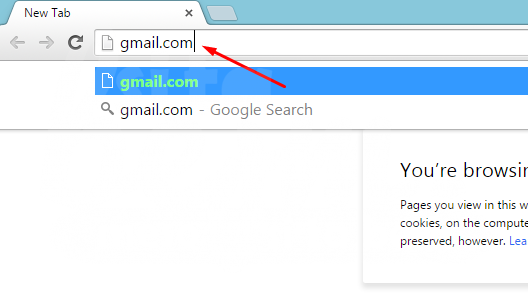
1. Open the internet and at the top type “ gmail.com ”.
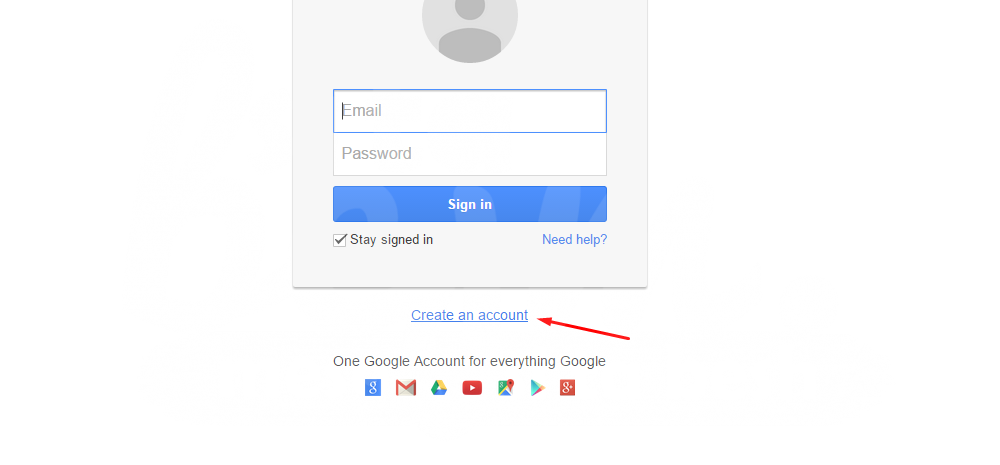
2. After opening the Gmail page, go to ” Create an account “.
3. This will take you to the “Create your Google Account” page.
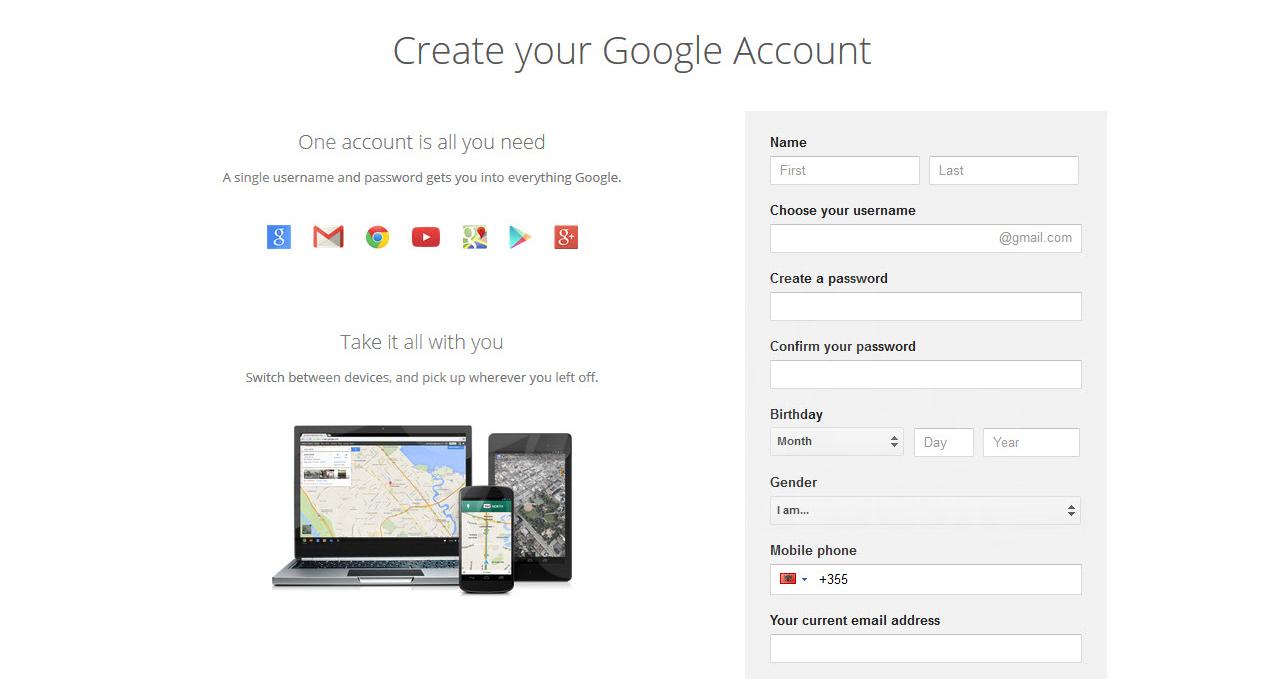
4. Enter your First and Last Name in “Name”.
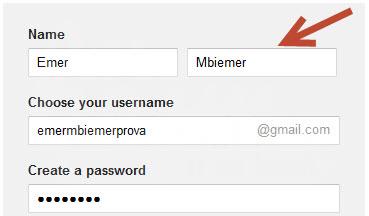
5. In the “Choose your username” box, enter the address as you would like it to be (usually first name and last name).
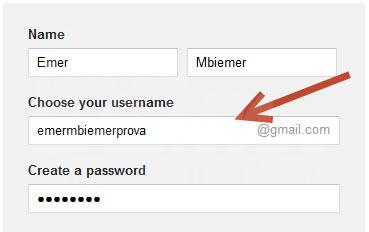
6. Under “Create a password”, enter the desired password.
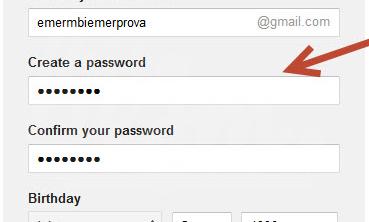
• Don’t forget your password. Write it down on a piece of paper or use words that you will remember easily.
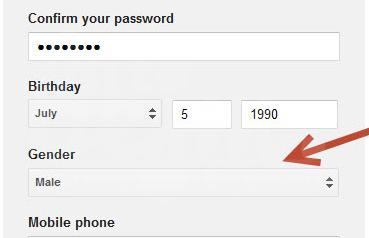
7. In the “Confirm your password” box, re-enter the password.
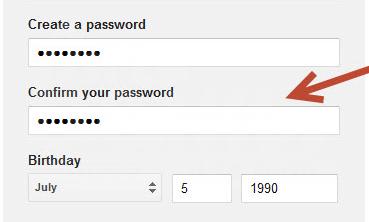
• This is done for security reasons.
8. In the “Birthday” box, enter your birthday in month/day/year format.
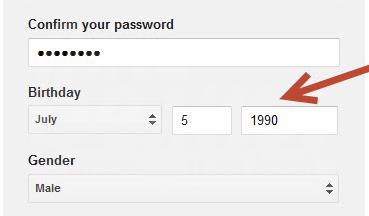
9. Under “Gender”, select your gender, Female or Male.
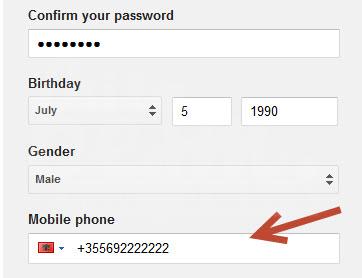
10. In the “Mobile Phone” box, enter your mobile phone number.
• Always enter the correct number as the Gmail company will then send you an SMS for verification.
11. “Your current email address”, this box can be left blank if you do not have another email address.
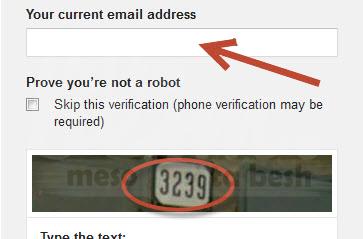
12. Below you will see a box “Prove you are not a robot”. Read the numbers that are displayed in the picture and write them in the “type the text” box.
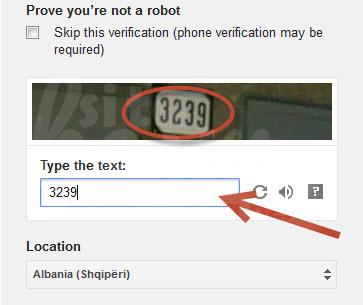
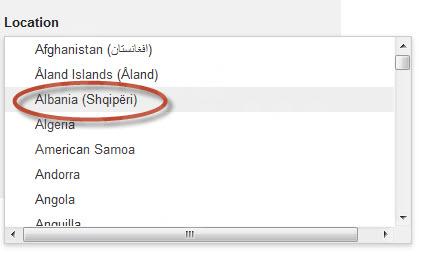
13. Under “Location”, select Albania (Albania).
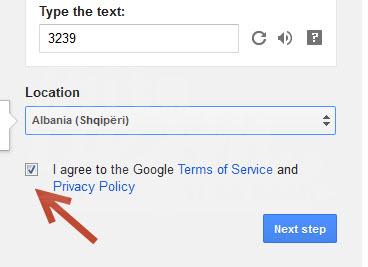
14. Click the small box next to “I agree to the Google Terms of Services and Privacy Policy”.
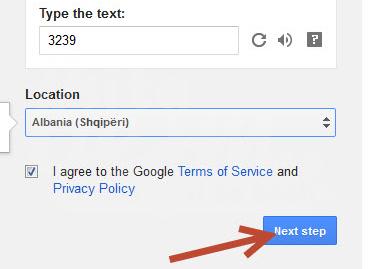
15. Click “Next Step”.
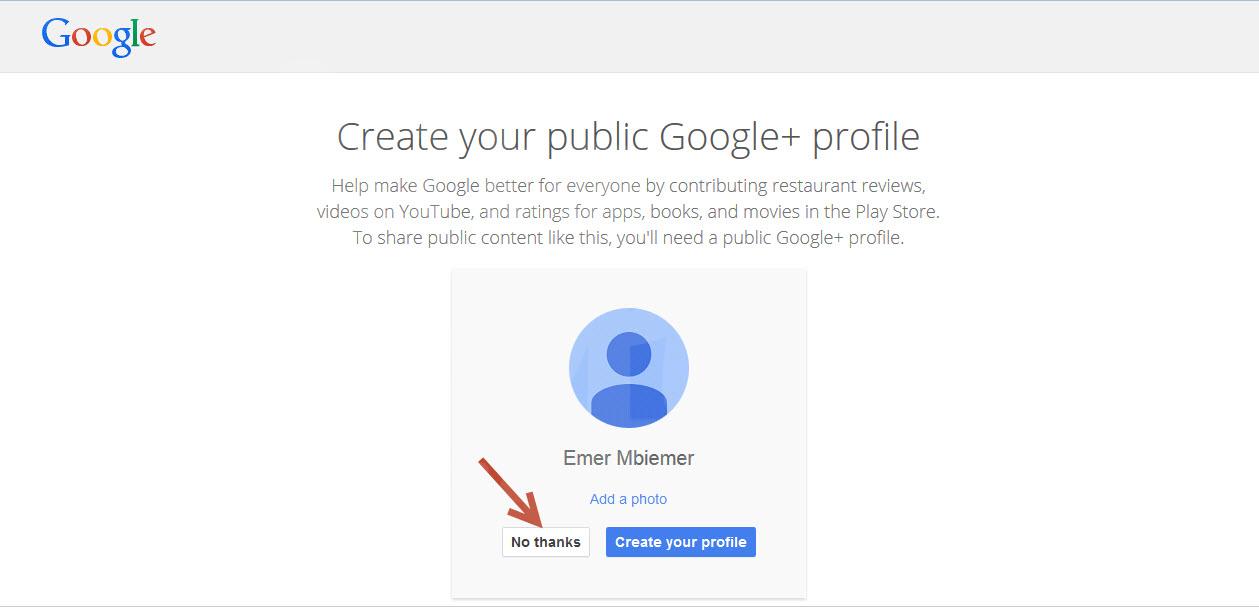
16. This will take you to the “Create your public Google+ profile” page.
• You can choose whether you want to open a Google Plus profile or not. In our case, we will click “No thanks”.
17. A window will appear saying “Welcome (your name)” your address has been successfully created. Click on “Continue to gmail”, this will take you to your email address.
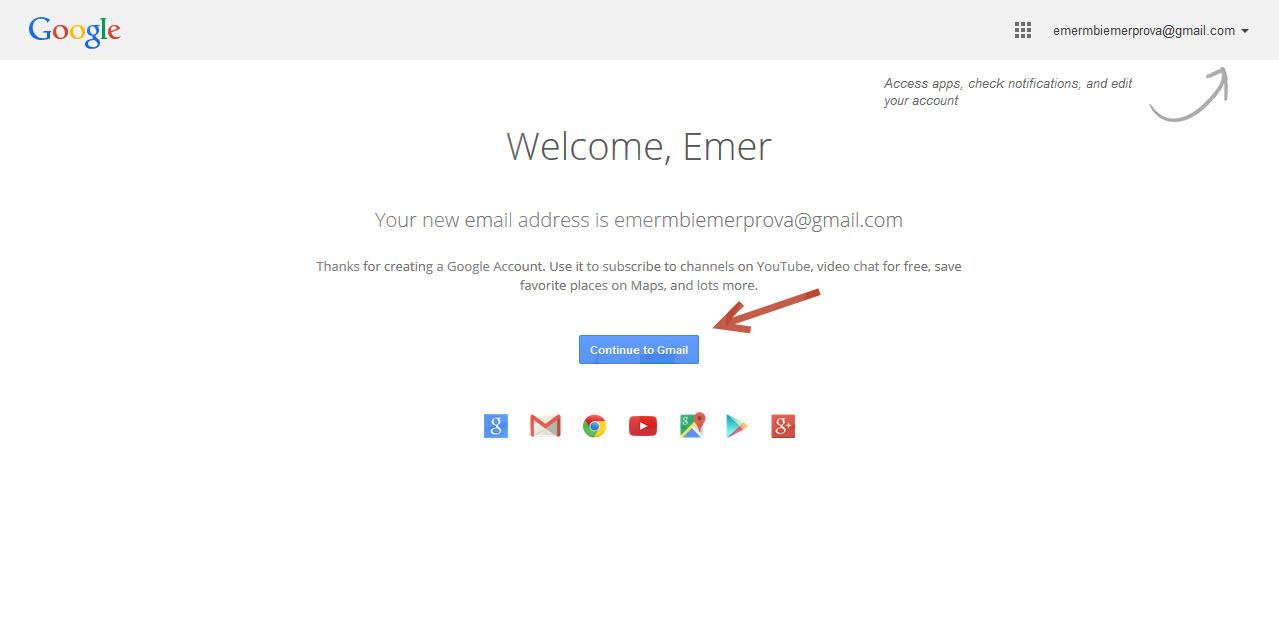
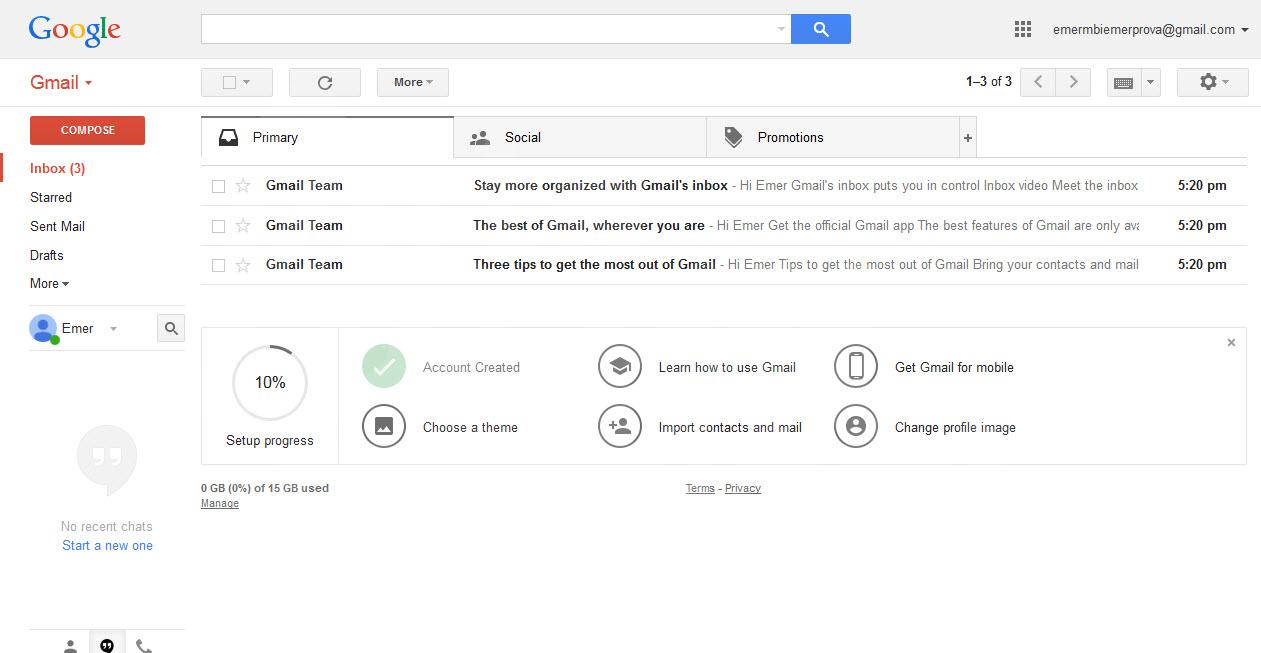
18. Your Gmail account was successfully opened.
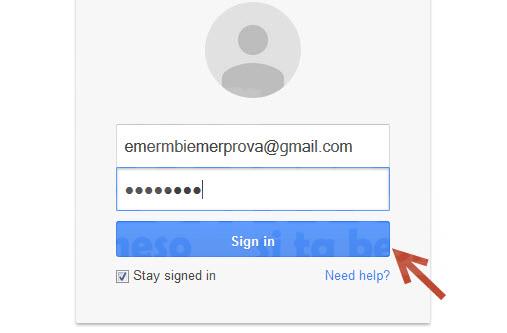
19 To reopen your email account, open the “gmail.com” page again and enter your address, password, and click “sign in”.
That’s it, now you’ve learned how to open an email!